Download Java Programming: TurtleWorld and Turtle Commands and more Study notes Computer Science in PDF only on Docsity!
CS111 Computer Programming
Department of Computer Science Wellesley College
Spirals, Trees, and Snowflakes
TurtleWorld
Tuesday, October 17, 2006 TurtleWorld 11- 2
Honey, I shrunk the Buggle
o Turtles* are like Buggles,
only smaller** and more
carefree (no grid).
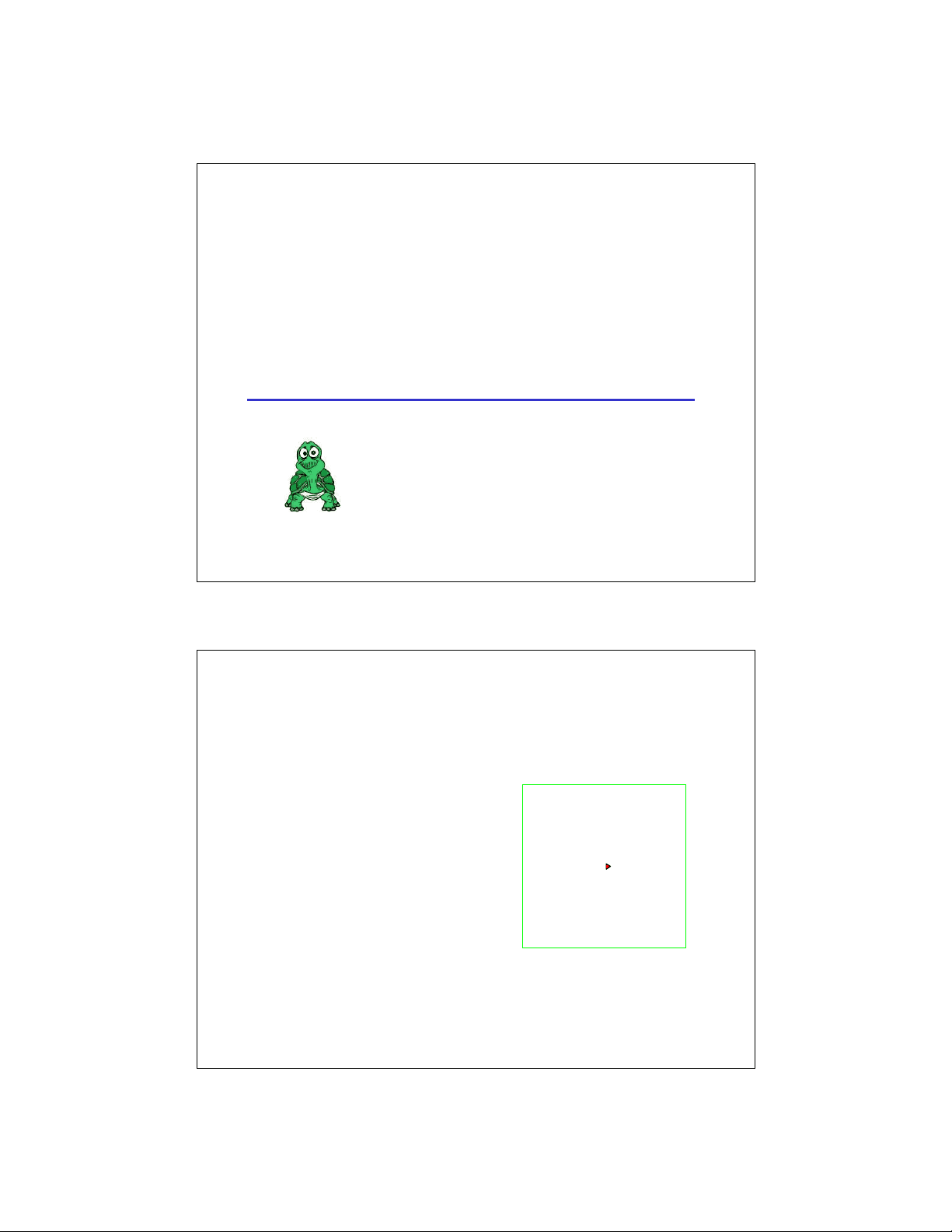
o To create a new Turtle
new Turtle();
o At birth, Turtles are
centered, pointing EAST,
pen*** down, and red.
- If you have programmed in LOGO, Turtles should be old friends. ** So small, in fact, that you cannot see them. *** Turtles have pens rather than brushes.
TurtleWorld 11- 3 Turtle Commands Go Forward: public void fd (double dist); Go Backward: public void bd (double dist); Turn Left: public void lt (double angle); Turn Right: public void rt (double angle); Pen Up: public void pu(); Pen Down: public void pd(); Get Heading: public double getHeading(); Set Heading: public void setHeading (double newHeading); Get Color: public Color getColor(); Set Color: public void setColor (Color newColor); Get Position: public double getX(); public double getY(); Set Position: public setX(double newX); public setY(double newY); public setPosition(double newX, double newY); Go Home (to point (0,0), facing east, pen down): public void home ();
- When a double parameter is specified, Java will automatically convert an int argument to a double. E.g. fd(36); is treated like fd(36.0); TurtleWorld 11- 4 What’s a double?
It’s a double-precision floating point number. E.g.:
double x = 3.72; x + 1.234 // Value = 4. x + 2 // Value = 5.72 (2 automatically converted to 2.0 first) x * 2 // Value = 7.44 (2 automatically converted to 2.0 first) x / 2 // Value = 1.86 (2 automatically converted to 2.0 first) (int) x // Value = 3 (“int cast”, converts to integer by truncation) Math.round(x) // Value = 4 (rounds to nearest integer) Math.floor(x) // Value = 3 (rounds toward negative infinity) Math.floor(-5.12) // Value = -6 (rounds toward negative infinity) Math.ceiling(x) // Value = 4 (rounds toward positive infinity) Math.ceiling(-5.12) // Value = -5 (rounds toward positive infinity) (double) 17 // Value = 17.0 (“double cast”, converts to a double)
TurtleWorld 11- 7 Spiro the Spiraling Turtle spiro.spiral(50,90,0,3); spiro.spiral(50,72,0,2); spiro.spiral(30,120,0,6); spiro.spiral(40,60,0,6); TurtleWorld 11- 8 spiral(steps, angle, length, increment); 0 fd( 0 ); lt( 90 ); length angle 3 fd(0+ 3 ); lt(90); increment 6 fd(3+3); lt(90); 9 fd(6+3); lt(90); 12 fd(9+3); lt(90); E.g., spiral(100, 90, 0, 3); 100 steps remain 99 steps remain 98 steps remain 97 steps remain 96 steps remain 95 steps remain.. . (0,0)
TurtleWorld 11- 9 After 100 Steps: TurtleWorld 11- 10 Designing a Java spiral() Method spiral(5, 90, 0, 3); steps angle length increment 0 fd(0); lt(90); spiral(4,90,3,3);^3 fd(3); lt(90); spiral(3,90,6,3); 6 fd(6); lt(90); spiral(2,90,9,3); 9 fd(9); lt(90); spiral(1,90,12,3); remains to be done 12 fd(12); lt(90); spiral(0,90,12,3);
Think invocation trees!
TurtleWorld 11- 13 trina.tree(7,75,30,0.8) trina.tree(7,75,15,0.8) TreeWorld trina.tree(10,80,45,0.7) trina.tree(10,100,90,0.68) TurtleWorld 11- 14 How to make a level 4 tree Make a trunk and two level 3 trees with 60% trunks set at 45° angles fd(100); rt(45); make level 3 tree w/ trunk 0.6 lt(245); make level 3 tree w/ trunk 0.6* rt(45); bd(100);**
TurtleWorld 11- 15 How to make a level 3 tree Make a trunk 0.6 as long as before fd(60); rt(45); make level 2 tree w/ trunk 0.6 lt(245); make level 2 tree w/ trunk 0.6* rt(45); bd(60);** and two level 2 trees with 60% trunks set at 45° angles TurtleWorld 11- 16 How to make a level 2 tree Make a trunk 0.6 as long as before and two level 1 trees With 60% trunks set at 45° angles fd(36); rt(45); make level 1 tree w/ trunk 0.6 lt(245); make level 1 tree w/ trunk 0.6* rt(45); bd(36);**
TurtleWorld 11- 19 Let’s Write tree() in Java public void tree(int levels, double length, double angle, double shrink) { } TurtleWorld 11- 20 Snowflakes (the Koch curve) snowy.snowflake(0.200); snowy.snowflake(2.200); snowy.snowflake(1.200); snowy.snowflake(3.200);
TurtleWorld 11- 21 A Snowflake has 3 Sides public void snowflake (int levels, double length) { snowside(levels, length); rt(120); snowside(levels, length); rt(120); snowside(levels, length); rt(120); } snowy.snowside(0,200); snowy.snowside(1,200); snowy.snowside(2,200); snowy.snowside(^3 ,200); TurtleWorld 11- 22 Let’s Write snowside() in Java public void snowside (int levels, double length) { }