



FLASH FILL
Short Key: Ctrl + E
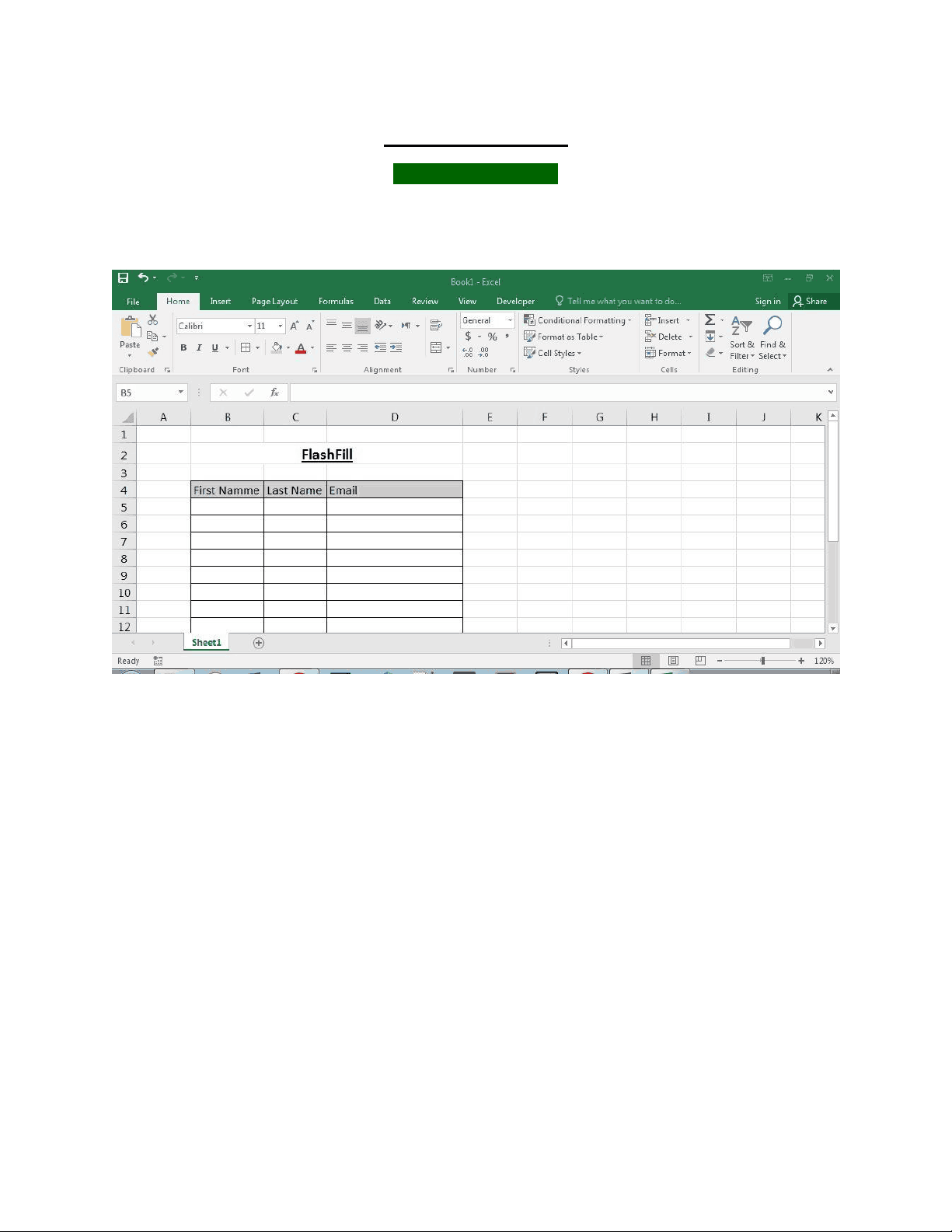
Step 1: Make A table.


Study with the several resources on Docsity

Earn points by helping other students or get them with a premium plan

Prepare for your exams
Study with the several resources on Docsity
Earn points to download
Earn points by helping other students or get them with a premium plan
In this document I am showing the step for applying flash fill in excel from first name and last name.
Typology: Assignments
1 / 4

This page cannot be seen from the preview
Don't miss anything!
Short Key: Ctrl + E Step 1: Make A table.
Step 2: Write First name and Last name.(OR you can also write first name only).
Step 4: Click on first email and press Ctrl+E (OR) Go to > Data >Flash fill
