
Computer Graphics I: Thick Primitives, Halftone Approximation, and Anti-aliasing - Prof. D, Lab Reports of Computer Graphics

A lecture outline from drexel university's cs 430/536 computer graphics i course. It covers topics such as drawing with thick primitives, halftone approximation, and anti-aliasing. Explanations of techniques like column replication, moving the pen, and error diffusion in the context of halftone approximation.

Typology: Lab Reports

Pre 2010

Uploaded on 08/19/2009

koofers-user-cwh
koofers-user-cwh šŸ‡ŗšŸ‡ø

10 documents

1 / 6

Toggle sidebar

This page cannot be seen from the preview

Don't miss anything!

bg1
1
1
CS 430/536
Computer Graphics I
Thick Primitives,
Halftone Approximation
Anti-aliasing
Week 6, Lecture 11
David Breen, William Regli and Maxim Peysakhov
Geometric and Intelligent Computing Laboratory
Department of Computer Science
Drexel University
http://gicl.cs.drexel.edu
2
Outline
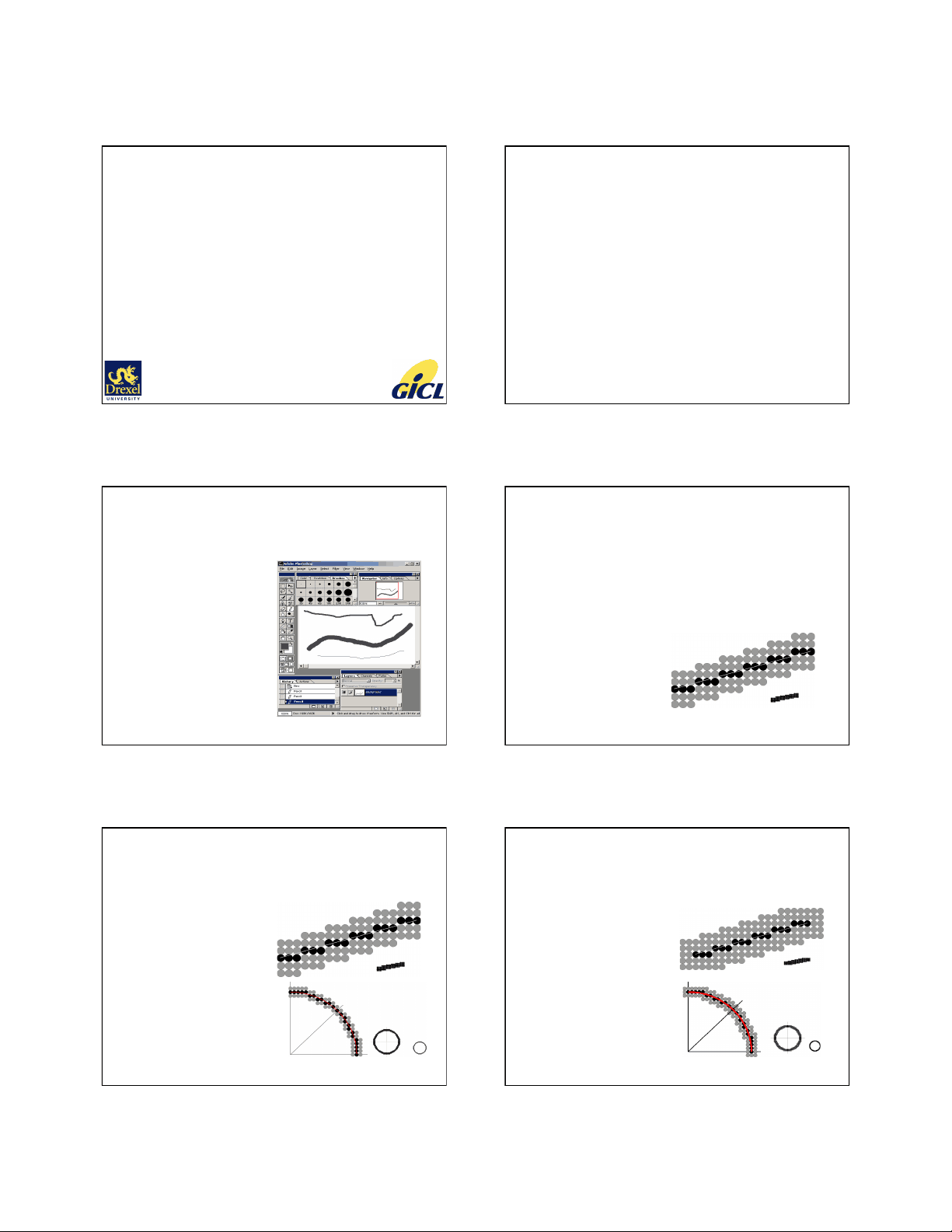
• Drawing with Thick Primitives
• Halftone Approximation
• Anti-aliasing
3
Drawing with Thick Primitives
• How do we thicken
the line stroke width?
• Ideas:
– Place the center of
the circular ā€œbrushā€ on
the pixel
– Place the upper
corner of the square
ā€œmarkerā€ on the pixel
(issues of orientation)
– Then do scan
conversion algorithm
4
Three Basic Methods
1. Column Replication
– Use >1 pixel per col/row
2. Trace brush outline
across 1-pixel primitive
3. Trace two copies, t
apart, and fill in
1994 Foley/VanDam/Finer/Huges/Phillips ICG
5
Column(Row) Replication
• Idea: duplicate pixels in
– Columns, when
-1 < slope < 1
– Rows, otherwise
• Thickness t is from
primitive’s boundaries
perpendicular to its tangent
• What happens for even t?
• Issues when lines meet at
angles, when octants
merge, brightness for
sloped lines, etc.
1994 Foley/VanDam/Finer/Huges/Phillips ICG
6
Moving the Pen
• Example:
– a rectangular pen
– Center or corner follows
scan algorithm
• How to implement?
– Idea 1: fill the box at each
point
– Problem: pixels get colored
more than once
– Idea 2: fill by using a span of
the pen primitive at each
step
1994 Foley/VanDam/Finer/Huges/Phillips ICG
pf3
pf4
pf5

Partial preview of the text

Download Computer Graphics I: Thick Primitives, Halftone Approximation, and Anti-aliasing - Prof. D and more Lab Reports Computer Graphics in PDF only on Docsity!

1

CS 430/

Computer Graphics I

Thick Primitives,

Halftone Approximation

Anti-aliasing

Week 6, Lecture 11 David Breen, William Regli and Maxim Peysakhov Geometric and Intelligent Computing Laboratory Department of Computer Science Drexel University http://gicl.cs.drexel.edu^2

Outline

  • Drawing with Thick Primitives
  • Halftone Approximation
  • Anti-aliasing 3

Drawing with Thick Primitives

  • How do we thicken the line stroke width?
  • Ideas:
    • Place the center of the circular ā€œbrushā€ on the pixel
    • Place the upper corner of the square ā€œmarkerā€ on the pixel (issues of orientation)
    • Then do scan conversion algorithm (^4)

Three Basic Methods

  1. Column Replication
    • Use >1 pixel per col/row
  2. Trace brush outline across 1-pixel primitive
  3. Trace two copies, t apart, and fill in 1994 Foley/VanDam/Finer/Huges/Phillips ICG 5

Column(Row) Replication

  • Idea: duplicate pixels in
    • Columns, when -1 < slope < 1
    • Rows, otherwise
  • Thickness t is from primitive’s boundaries perpendicular to its tangent
  • What happens for even t?
  • Issues when lines meet at angles, when octants merge, brightness for sloped lines, etc. (^) 1994 Foley/VanDam/Finer/Huges/Phillips ICG^6

Moving the Pen

  • Example:
    • a rectangular pen
    • Center or corner follows scan algorithm
  • How to implement?
    • Idea 1 : fill the box at each point
    • Problem : pixels get colored more than once
    • Idea 2 : fill by using a span of the pen primitive at each step 1994 Foley/VanDam/Finer/Huges/Phillips ICG

7

Halftone Approximation

  • Not all devices can display all colors
    • e.g. GIF is only 256 colors
  • Idea: With few available shades,

produce illusion of many colors/shades?

  • Technique: Halftone Approximation
  • Example: How do we do greyscale with

black-and-white monitors?

Pics/Math courtesy of Dave Mount @ UMD-CP 8

Halftone Approximation

  • Technique: Dithering
  • Idea: create meta-pixels, grouping base pixels into 3x3s or 4x4s
  • Example: a 2x2 dither matrix for grayscale Pics/Math courtesy of Dave Mount @ UMD-CP 9

Halftone Approximation

  • Issues with Dithering
    • Image is now 4x in size
  • How do we keep image the same size?
  • Technique: Error Diffusion
  • Idea: When approximating pixel

intensity, keep track of error and try to

make up for errors with later pixels

Pics/Math courtesy of Dave Mount @ UMD-CP 10

Halftone Approximation:

Error Diffusion Example

  • Problem: draw 1D line with 1/3 gray tone
  • Pixel #1: round to black, 0… error 1/
  • Pixel #2: value 1/3+1/3=2/3 , color white
  • Pixel #3: value 1/3-1/3=0, color black
  • Pixel #4: value 1/3+0= 1/3, color black
  • Color sequence: 01001001001… Pics/Math courtesy of Dave Mount @ UMD-CP 11

Halftone Approximation:

Error Diffusion Example

Draw 1/3 gray line

  • Pixel: 1/3 1/3 1/3 1/3 1/3 1/3 1/3 1/
  • Error: 0 1/3 -1/3 0 1/3 -1/3 0 1/
  • FB: 0 1 0 0 1 0 0 1
  • Color sequence: 01001001001… Pics/Math courtesy of Dave Mount @ UMD-CP 12

Halftone Approximation:

Error Diffusion Example

  • Consider a 2D image/primitive
    • Goals: Spread errors out in x and y pixels Nearby gets more error than far away
    • Floyd-Steinberg Error Distribution Method
      • Let the current pixel be
      • Distribute error as follows: Pics/Math courtesy of Dave Mount @ UMD-CP

19

Aliasing in Computer Graphics

  • Mathematical model of image: analog
  • Screen: digital
  • Result: visual effects, jaggies, lost textures and detail 1993 ACM SIGGRAPH Education Slide Set 20

Antialiasing in use…

21

Antialiasing

  • How to create the visual effect of smoothing the line?
  • We need to find a way to simulate the display of partial pixels Two major categories of anti-aliasing techniques: (1) PreFiltering (2) PostFiltering 1994 Foley/VanDam/Finer/Huges/Phillips ICG^22

Antialiasing: PreFiltering

  • Idea:
    • each pixel has area
    • compute color based on overlap with the object’s area
  • Result: smoother borders for objects 1993 ACM SIGGRAPH Education Slide Set 23

Antialiasing: PostFiltering

(SuperSampling)

  • Idea:
    • take multiple samples for each pixel
    • create weighted measure of color
    • samples can be stochastic or regular
    • stochastic makes for more pleasing results 1993 ACM SIGGRAPH Education Slide Set 24

Antialiasing: PostFiltering

  • Filters: the weighted measure of color
    • weighted or unweighted average of the pixels 1993 ACM SIGGRAPH Education Slide Set

25

Antialiasing of Lines & Curves

  • Example: draw 1-pixel thick black line 2 different screen resolutions => 2x jags, jags 1/2 size, but 4x memory! 1994 Foley/VanDam/Finer/Huges/Phillips ICG 26

Antialiasing of Lines & Curves

  • Ideally, the line should be 1 pixel wide
    • If line is vertical or horizontal, there are no issues
  • Otherwise, there are issues. The basic idea:
    • Represent line l as a narrow rectangle Rl
    • Represent pixels as non-overlapping square points
    • Assign pixel intensity based on portion of pixel Rl covers
      • Totally covered = 1.
      • Partially covered = 0.25 --- 0.50 --- 0.
      • Not covered = 0. 1994 Foley/VanDam/Finer/Huges/Phillips ICG 27

Weighted Area Sampling:

Box Filters

  • Pixel intensity Imax = 1, Imin = 0
  • Box over the pixel: weighting fctn
  • The volume Ws is the weight - Ws * Imax
  • (achieves unweighted area sampling) 1994 Foley/VanDam/Finer/Huges/Phillips ICG^28

Weighted Area Sampling:

Cone Filters

  • Idea:
    • Cone centered at each pixel
    • Radius of cone bigger than single pixel
    • Volume of cone is 1
    • Intensity is volume Ws
  • Achieves
    • Linear decrease of intensity vs distance
    • Smoother effects by decreasing pixel contrasts
    • Rotational symmetry 1994 Foley/VanDam/Finer/Huges/Phillips ICG 29

Antialiasing Area Boundaries

Supersampling

  • Double (triple,quadruple) the resolution of your buffer.
  • Use any polygon filling algorithm to scan-fill the polygon in BW
  • Compute the color of each pixel by counting the number of colored sub-pixels 30

Anti-aliasing of Circles and Curves

  • Super-sampling can be applied to anti-aliasing of circles and curves
  • Double (triple,quadruple) the resolution of your buffer.
  • Draw the circle of the curve with double (triple,quadruple) width
  • Compute the color of each pixel by counting the number of colored sub-pixels